> ## Documentation Index
> Fetch the complete documentation index at: https://docs.stably.ai/llms.txt
> Use this file to discover all available pages before exploring further.
# Custom Code
> Advanced testing flexibility with custom JavaScript implementation for Playwright code execution and dynamic value generation in Stably tests.
This documentation is for **Stably Classic**. For the new Stably Web Editor, see [Stably Web Editor](/stably/stably-web-editor).
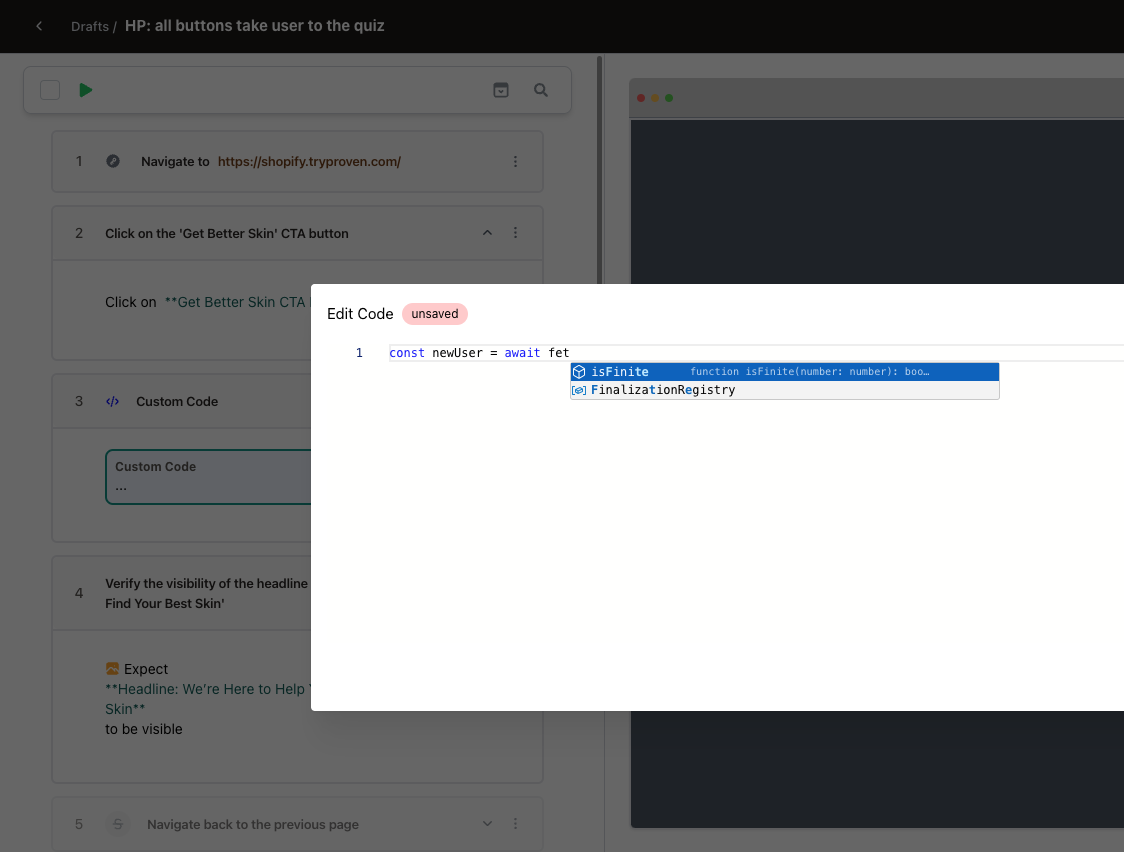
Stably provides advanced testing flexibility through custom JavaScript implementation in two primary scenarios:
1. **Playwright Code Execution**
Create custom steps or operations by directly implementing Playwright code, allowing for more complex and specialized test scenarios.
2. **Dynamic Value Generation**
Generate dynamic input values or variables programmatically using JavaScript.
 **Supported Libraries and Resources**
* **Faker.js:** Leverage the [Faker.js](https://fakerjs.dev/api/) library to generate realistic mock data for your tests
* **Pre-defined Variables:** Access pre-defined variables using the `VARS` object
* **Standard JavaScript Libraries:** Utilize built-in JavaScript libraries such as `Math` or `Date`
**Supported Libraries and Resources**
* **Faker.js:** Leverage the [Faker.js](https://fakerjs.dev/api/) library to generate realistic mock data for your tests
* **Pre-defined Variables:** Access pre-defined variables using the `VARS` object
* **Standard JavaScript Libraries:** Utilize built-in JavaScript libraries such as `Math` or `Date`