> ## Documentation Index
> Fetch the complete documentation index at: https://docs.stably.ai/llms.txt
> Use this file to discover all available pages before exploring further.
# Cloudflare Bot Detection
> Solutions for Cloudflare Access and Zero Trust bot detection
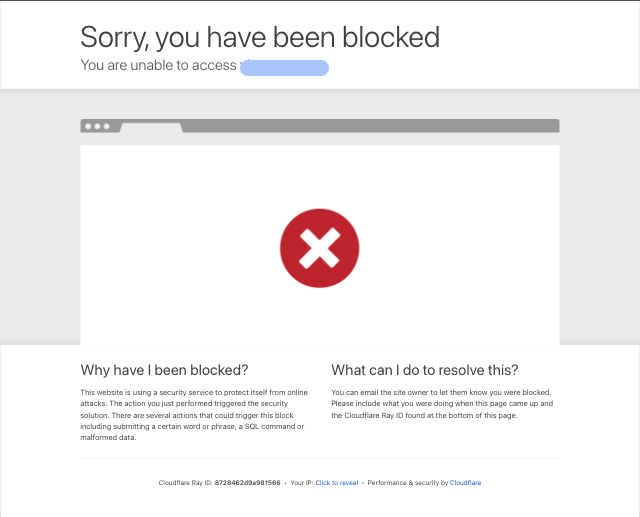
If you see a Cloudflare bot detection page in one of your test failures, you likely have [Cloudflare Bot Detection](https://www.cloudflare.com/application-services/products/bot-management/) enabled. Stably's AI runs in a headless browser, which is often detected as a bot by Cloudflare.
 ## Cloudflare Access Users
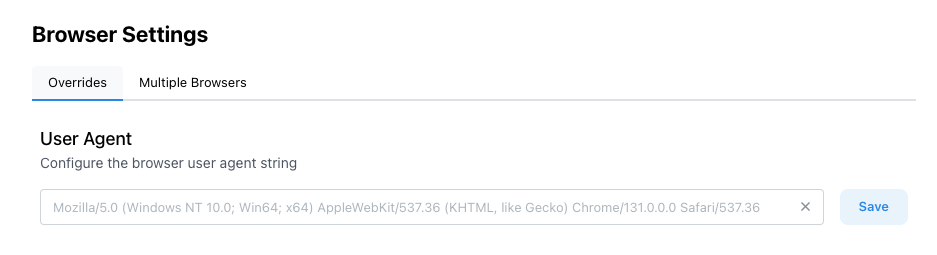
You can allowlist our user agent in your Cloudflare settings.
You can set your custom User-Agent under the Browser Settings page in Stably.
## Cloudflare Access Users
You can allowlist our user agent in your Cloudflare settings.
You can set your custom User-Agent under the Browser Settings page in Stably.
 ## Cloudflare Zero Trust Users
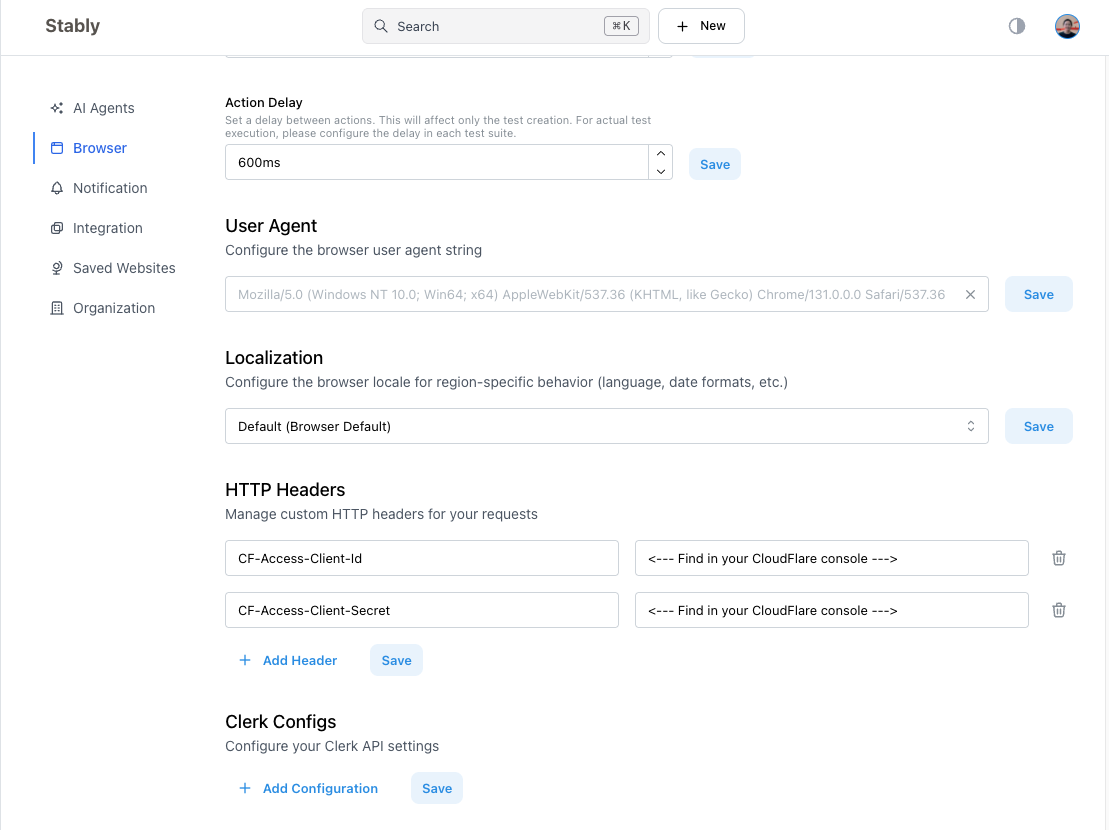
In Zero Trust environments, each action initiated by Stably needs to include a service token.
You can generate a service token in your Cloudflare console by following these instructions: [https://developers.cloudflare.com/cloudflare-one/identity/service-tokens/](https://developers.cloudflare.com/cloudflare-one/identity/service-tokens/).
Once you have a service token, you can add it to the `HTTP Headers` field in your Browser Settings.
## Cloudflare Zero Trust Users
In Zero Trust environments, each action initiated by Stably needs to include a service token.
You can generate a service token in your Cloudflare console by following these instructions: [https://developers.cloudflare.com/cloudflare-one/identity/service-tokens/](https://developers.cloudflare.com/cloudflare-one/identity/service-tokens/).
Once you have a service token, you can add it to the `HTTP Headers` field in your Browser Settings.