

Adding Tests
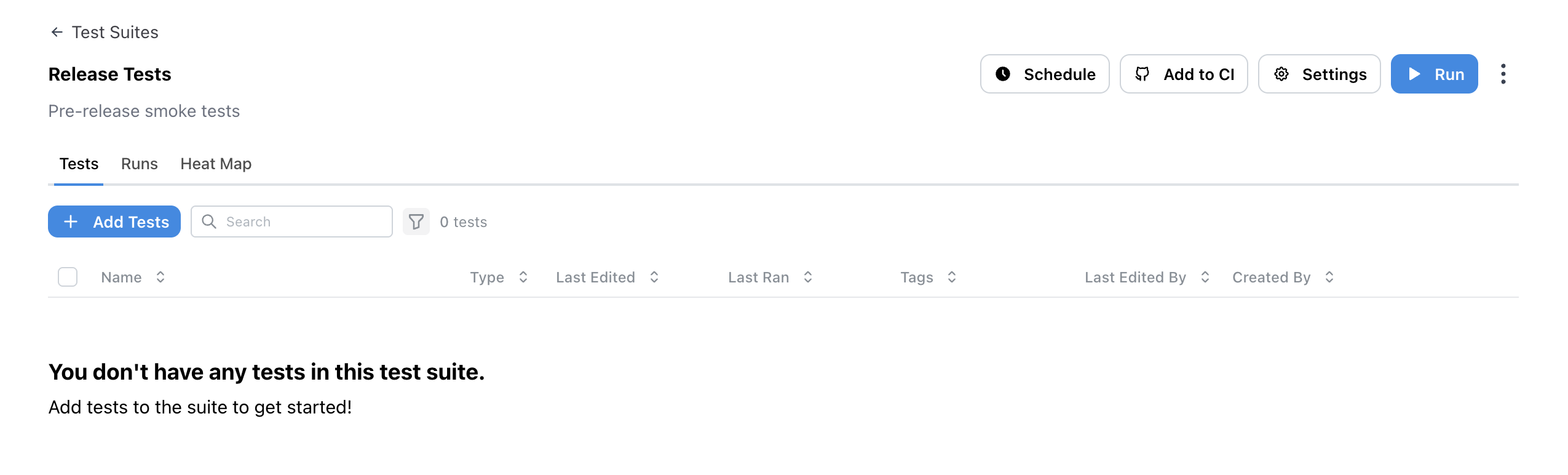
To add tests to a test suite, click on theAdd Tests button in the test suite.
Run Settings
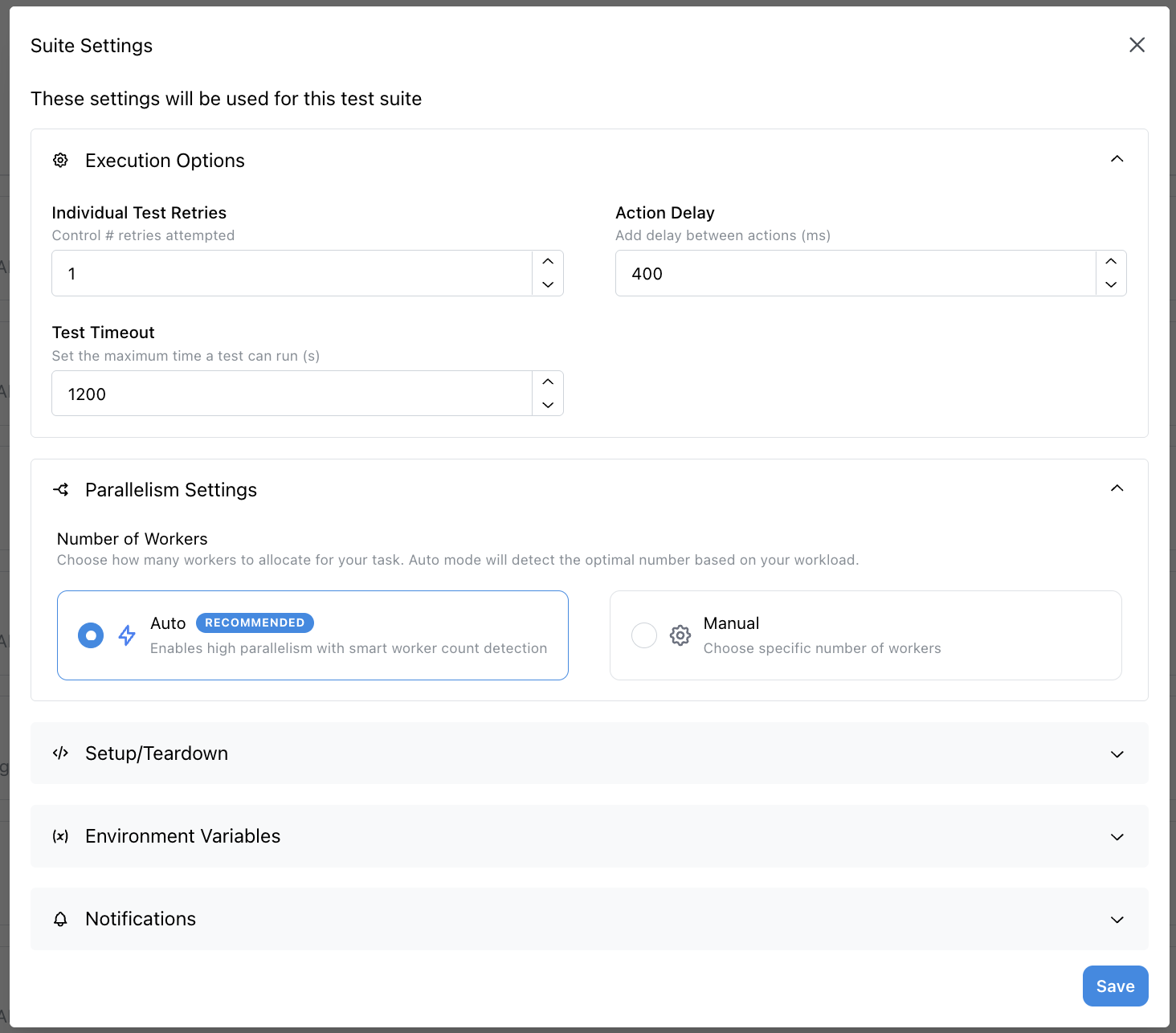
Once you have added tests to a test suite, you can configure your test suite runs with comprehensive settings including execution options, parallelism, setup/teardown, environment variables, and notifications. See the Run Settings page for more details about these settings. You can also manage individual tests within your test suite:- Test Management - Skip tests and manage individual test execution
Running Test Suites
Once you have added tests to a test suite, you can schedule it to run at certain times, trigger it from a CI/CD pipeline, or run it manually by clicking theRun button.
- Schedule Suite Runs - Schedule test suites to run at certain times
- CI Integration - Trigger a test suite from a CI/CD pipeline
- Run Suite - Manually run a test suite